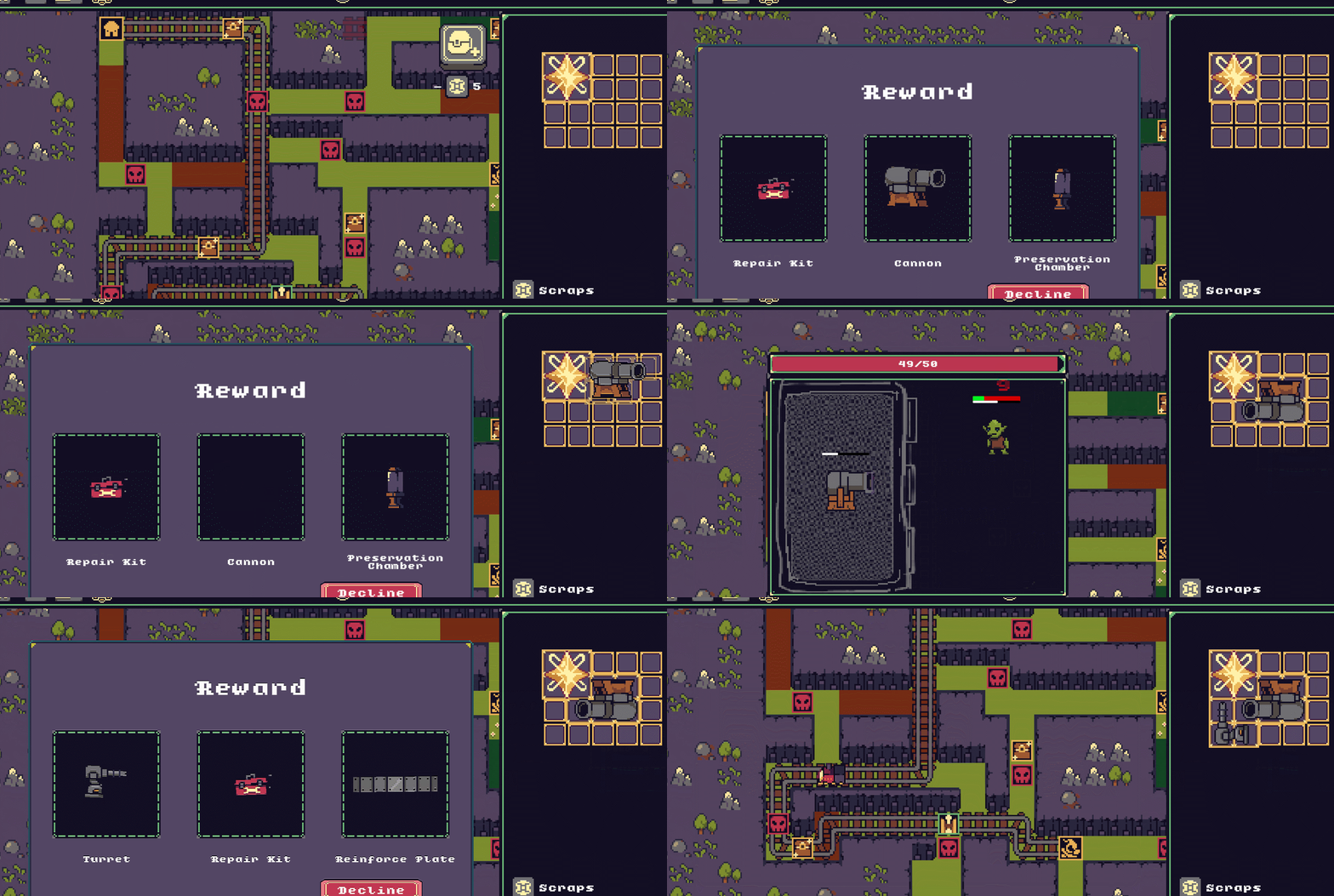
End of the Rail is a strategic rail building auto-battler where you need to chart your
routes and customize your own build in order to reach your destination in one piece!
it was made in 3 months as my Game Project Studio 1 (gps1) game.d
You can play the game yourself at:
https://uowmgames.itch.io/end-of-the-rail
Contributions :
-
Rail Building System
-
Grid Map Layout
-
Auto Tiling Implementation
-
Inventory System
-
Modular Item System

Code Highlights
Rail Building
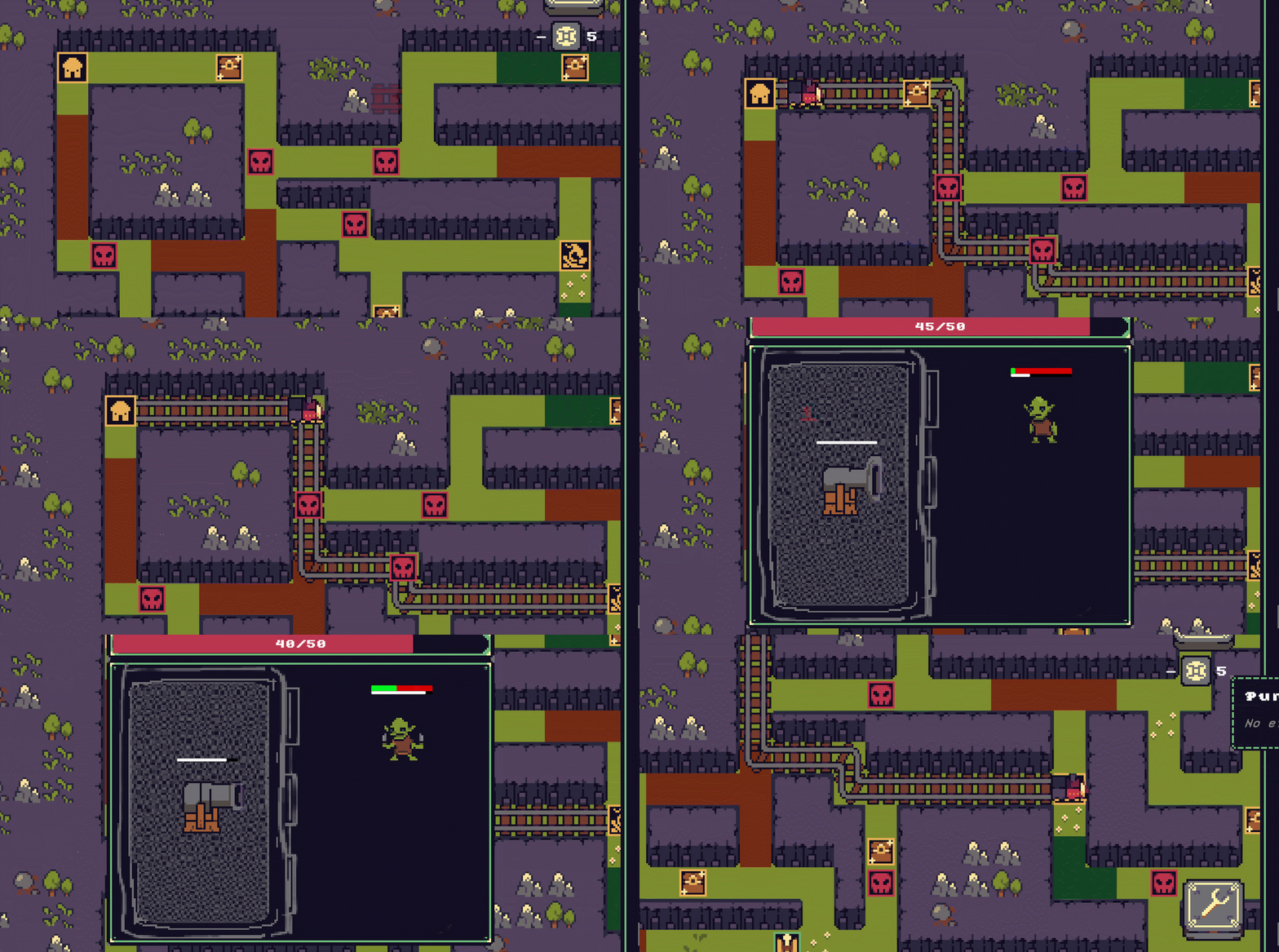
I wanted to make a rail building system that allowed players to build self connecting rails on a grid that would then direct the player to wherever its facing.
Implementation
Rail building is handled by splitting logic and input into two scripts. BuildRails manages player input, previews, and placing rails by dragging from the start point, creating a continuous rail line and assigning directions as each tile is added. RailGridScript stores all rail data, tracks special tiles (start, end, rest), and validates whether the built line forms a valid route for the train. Together, they ensure rails can only be placed in valid positions and form a usable path across the grid.
Results
Items
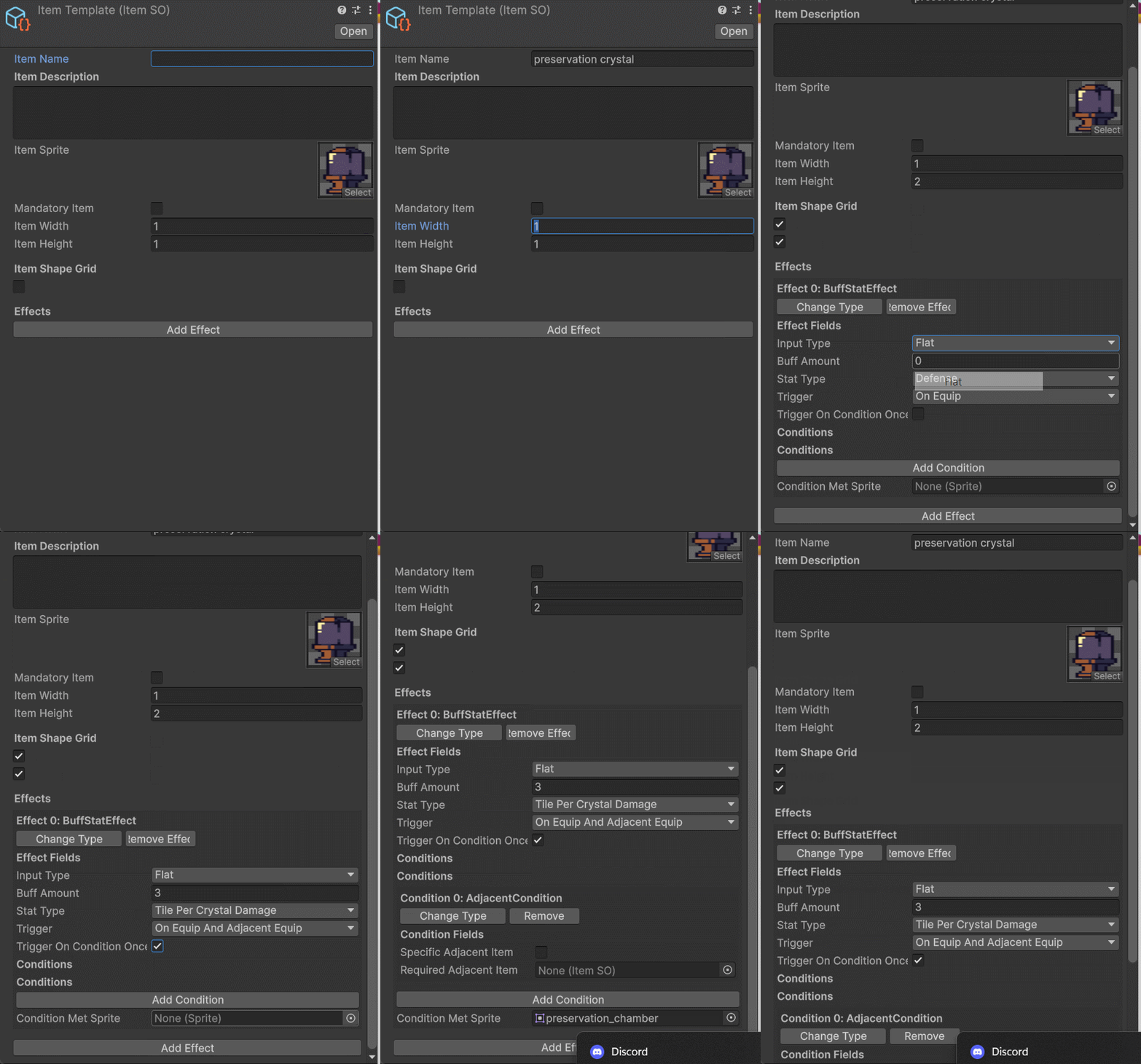
I wanted to make a modular item system that would allow non-coders to design and create unique items on their own by mixing effects, conditions and other factors all in the editor.
Results
Implementation
Item Data
Item data is defined using ItemSO (scriptable object), which stores all information such as the item’s sprite, name, description, size, shape grid, and possible effects. The shape is saved as a 1D array but converted to a 2D grid for ease of use.
Item Effects
Effects define what an item does. Each effect listens to specific triggers like On Equip, On Battle Start, On Update, etc and can apply or remove behavior accordingly. Currently, there are effects that can heal, buff stats, spawn weapons, or modify adjacent items. Because effects are cloned per item, they can safely track internal state such as limited uses or one-time triggers.
Effect Conditions
Conditions are reusable logic checks that control when an effect can activate. They can compare player stats, check percentages, or detect adjacent items in the inventory grid. Effects only apply if all their conditions are met.
Stat Manager
Stats are modified using a mediator-based system from the Broker Chain Pattern (StatsMediator, Query, and StatModifier). Base stats are queried, and modifiers dynamically adjust values without directly changing the source data. This allows multiple effects to stack, update, or remove themselves cleanly at runtime, supporting both flat and percentage-based buffs.
Inventory & Draggable items
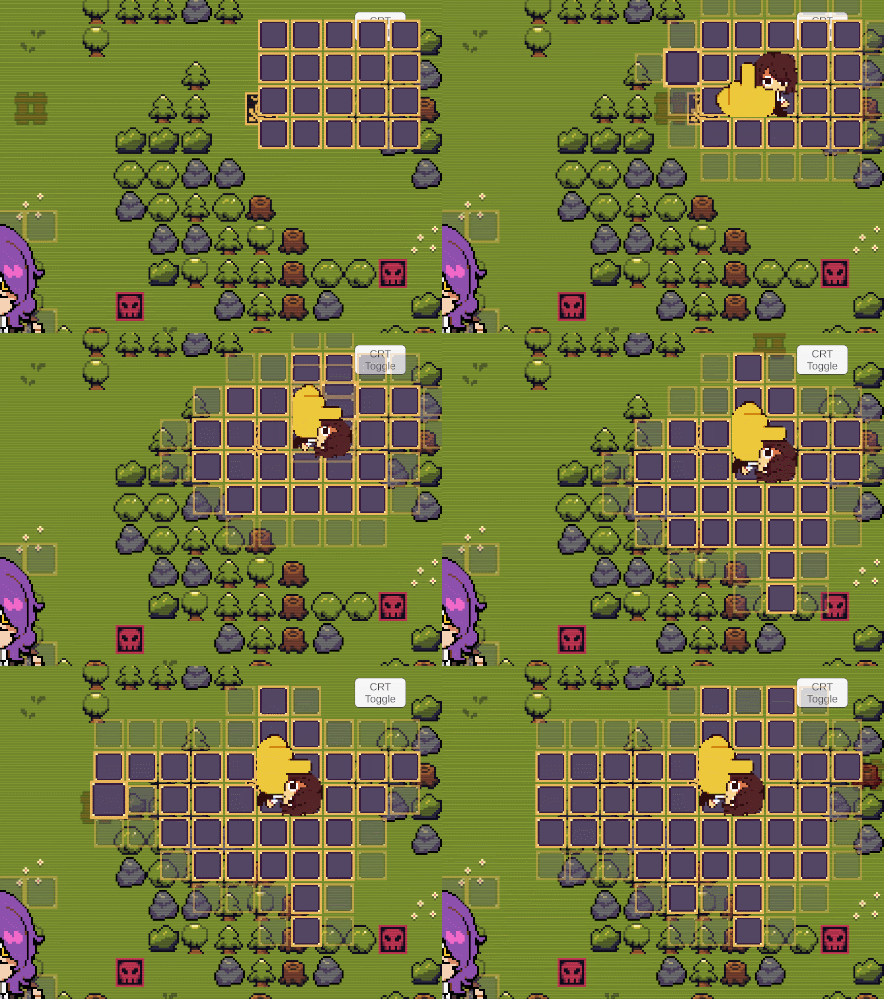
Items need an inventory to hold them, so i wanted to create a backpack hero/resident evil 4 styled inventory system to go along with the strategic aspect of the game complete with draggable items with custom shapes and the ability to increase your inventory however you want
Results
Implementation
Inventory Shape & Data
This part defines the layout of the inventory. The BaseInventorySO lets you customize the width, height, and the shape of your inventory, so you can decide which cells exist and which don’t. Each BaseInventoryCell represents a single slot in the grid. It's like the blueprint for the backpack telling the system where items can go and which spaces are active.
Inventory Grid Management
This is the heart of the inventory. It builds and keeps track of all the cells in the grid, makes sure each active slot has a visual representation, and knows which slots are filled with items. It handles placing items, finding free spaces, highlighting cells on hover, and even expanding the grid when you unlock more room. The script also keeps a list of equipped items and can tell other systems when the inventory changes.
Draggable Items & Item Interaction
This script lets items be picked up, moved, and rotated inside the inventory. It talks to the grid to make sure items fit before placing them, marks the cells they occupy, and triggers any effects for adjacent items. It also hooks into tooltips and other managers so the dragging feels smooth and responsive. Basically, it’s what makes your items actually interactive and lets you play Tetris with your backpack xD.
Item Placement
Items don’t just sit there, they follow the grid and their custom shapes. Multi-cell items occupy the right slots, can rotate, and interact with adjacent items. This makes arranging your inventory part of the strategy, not just a chore. How you place and rotate items can actually affect gameplay, so it’s more than storage, it’s part of the puzzle which adds on to the overarching strategical aspect of the game.